- calendar_today August 18, 2025
The leading graphics technology company, Nvidia, is actively investigating how artificial intelligence can revolutionize gaming experiences. Nvidia’s powerful GPUs primarily deliver stunning visuals, but the company has launched experimental G-Assist AI, which runs locally to optimize PCs and improve gaming experiences through innovative methods. The Nvidia desktop application provides access to this on-screen technology, which lets users control an AI assistant through text and voice commands to transform hardware-software interaction and expand beyond basic system monitoring.
G-Assist’s Core Capabilities
G-Assist introduces a range of intriguing capabilities. Players have the ability to submit basic inquiries like “Can you explain how DLSS Frame Generation functions?” and receive informative responses. The AI demonstrates its most impressive feature by having the capability to manage particular system-level settings.
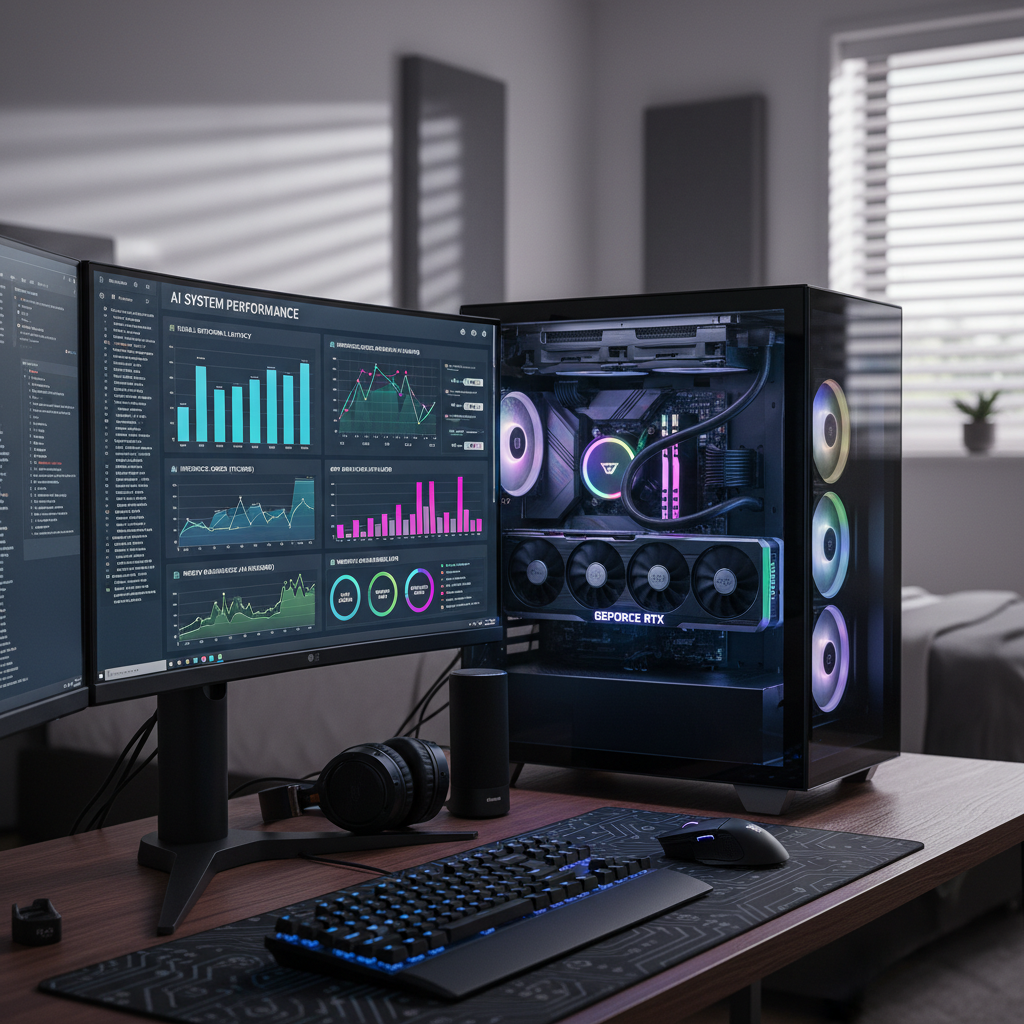
Gamers who activate G-Assist can access live system performance analyses along with real-time data visualization charts. The AI receives user commands to modify system settings for specific games and enable different features. G-Assist enables users who want to enhance performance to perform GPU overclocking and provides forecasts of expected performance improvements.
Limitations and Future Potential
The current public release shows potential but does not yet reach the deeper integration level shown last year when G-Assist provided real-time in-game assistance. The current integration level exists only for a limited number of titles which features Ark: Survival Evolved. Nvidia expanded G-Assist’s capabilities through third-party plug-in support which enables communication with devices from Logitech G, Corsair, MSI, and Nanoleaf to provide functionality like thermal profile adjustment and LED lighting synchronization.
Local Processing and Performance Considerations
With the rise of “AI laptops,” Nvidia highlights AI features for desktops that possess specialized GPUs. Nvidia’s G-Assist functions on local systems by utilizing GeForce RTX graphics cards, while most AI tools operate through cloud-based systems. G-Assist uses a small language model (SLM) that Nvidia has optimized specifically for local processing. Installation demands 3GB for basic text and voice control requires an additional 3.5GB, resulting in a total requirement of 6.5 GB. Nvidia’s G-Assist operates on a GeForce RTX 30 series GPU or higher, which must have a minimum of 12GB VRAM. The performance of G-Assist improves as it utilizes more powerful GPUs, and developers intend to add support for laptop GPUs as well. Running G-Assist directly on the GPU can provide better privacy and lower latency, yet comes with various technical difficulties. Interacting with G-Assist during testing on an RTX 4070 resulted in increased GPU utilization.
Running inference computations can affect the performance of simultaneous operations, with gaming being the most affected task. Running G-Assist during Baldur’s Gate 3 at its highest settings resulted in frame rates reducing by about 20%. G-Assist has the potential to worsen performance problems in systems that struggle to deliver smooth gameplay. When running non-demanding games, G-Assist functions more quickly but requires a strong GPU for regular operation. G-Assist demonstrates its experimental status through frequent sluggish performance and software bugs.
Adjusting game and system settings manually continues to deliver better efficiency for the majority of users. G-Assist demonstrates a promising move to harness AI processing capabilities in gaming computers. Advancements in GPU technology are making simultaneous operation of demanding games and advanced AI models more feasible. Nvidia’s G-Assist currently shows us a promising yet flawed preview of AI’s gaming capabilities, which hint at a time when GPUs will provide more smart and interactive user assistance.