- calendar_today August 22, 2025
These days, artificial intelligence is pervasive. It’s in every app. Every business wants to boast about how “smart” their software is. However, Microsoft’s approach to Windows 11 feels unique and, in some ways, more intelligent.
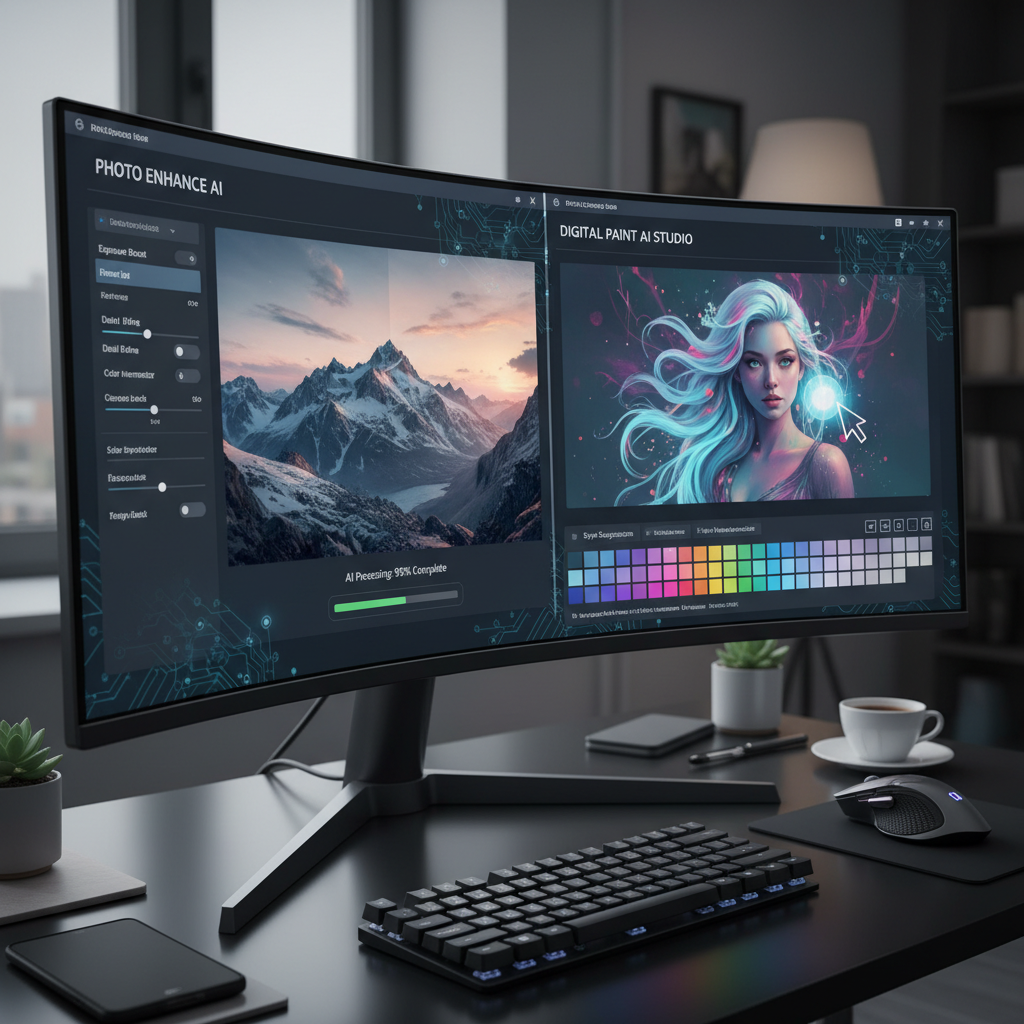
Instead of releasing another overly talkative AI assistant or an app that requires a tutorial to launch, Microsoft is concentrating on something a bit more… grounded. Your favorite apps—Photos, Snipping Tool, Camera, and yes, even Paint—are getting subtle, considerate updates. AI is not being added; it is being woven in.
Let’s get started simply. Are you familiar with the Snipping Tool? The one you use to capture screenshots when you want to preserve something on your screen? Microsoft is currently working on granting it OCR capabilities. Optical character recognition is what that is. Simply put, if you take a screenshot of something that contains text, you can simply copy that text out. Just as simple as copying text from a webpage.
Until you use it, you won’t even know you needed this feature. It will speed up a lot of little tasks such as making notes on a picture, transferring text from a form, and preserving a quote from a frame of a video, in a matter of seconds.
Then there are pictures. It will soon become slightly sharper. With real intelligence, not with photo effects or filters. Microsoft is experimenting with features that can identify objects, people, and pets. Therefore, the app could do the majority of the work for you if you want to remove someone from the picture or focus on the main subject. No more pixel-by-pixel lasso tool dragging. Simply put, it’s stress-free smart editing.
Paint, too? Yes, that Paint, the timeless program that hasn’t really evolved. A creative leap is imminent. Generative AI is being introduced by Microsoft. The concept is straightforward: Paint creates the image you want by using your description, such as “a dragon flying over a frozen lake.” automatically. Although it may sound absurd, the same fundamental technology powers Bing’s image generator.
All this AI must run somewhere, of course. Hardware can help with that. Your device must have a Neural Processing Unit (NPU) in order to fully support these new features. These chips are made to manage AI tasks locally rather than transferring them all to the cloud.
Although Qualcomm has long included NPUs in its ARM processors, more devices are now able to do so thanks to AMD’s 7040 series and Intel’s upcoming Meteor Lake chips. The advantage? Work is completed more quickly. They maintain their privacy. You can use your computer to create an image or extract text.
That simply means less waiting and better performance for the majority of people. However, this is a significant issue for anyone worried about privacy or dependability. You don’t need a server or an internet connection to function. It just occurs, without warning.
The fact that Microsoft is not altering your computer usage is what makes this strategy so alluring. They are not requesting that you change to a new tool or form a new routine. All they’re doing is improving the tools you currently use. More intelligent. More beneficial.
There won’t be a large banner announcing these changes. You may not even be aware that AI is doing the work. That’s the objective. The intelligence enhances the experience without changing it in any way.
Microsoft’s action feels unique in a world where tech companies frequently complicate things in the name of innovation. It’s not about showing you what’s possible. Making your computer function the way you’ve always desired is the goal.
And that might be the most intelligent upgrade of all.