- calendar_today August 15, 2025
The development path of Microsoft’s Copilot assistant in Windows 11 experienced numerous changes, which altered its basic function while users initially felt that the solution preceded the problem. Microsoft’s repeated changes to Copilot’s essential functions between being a native Windows app and a web-based service, followed by its reintroduction as an integrated feature, likely intensified user sentiment. The latest advancement in Copilot Vision has sparked considerable interest because it proposes to meet an ongoing and concrete user demand.
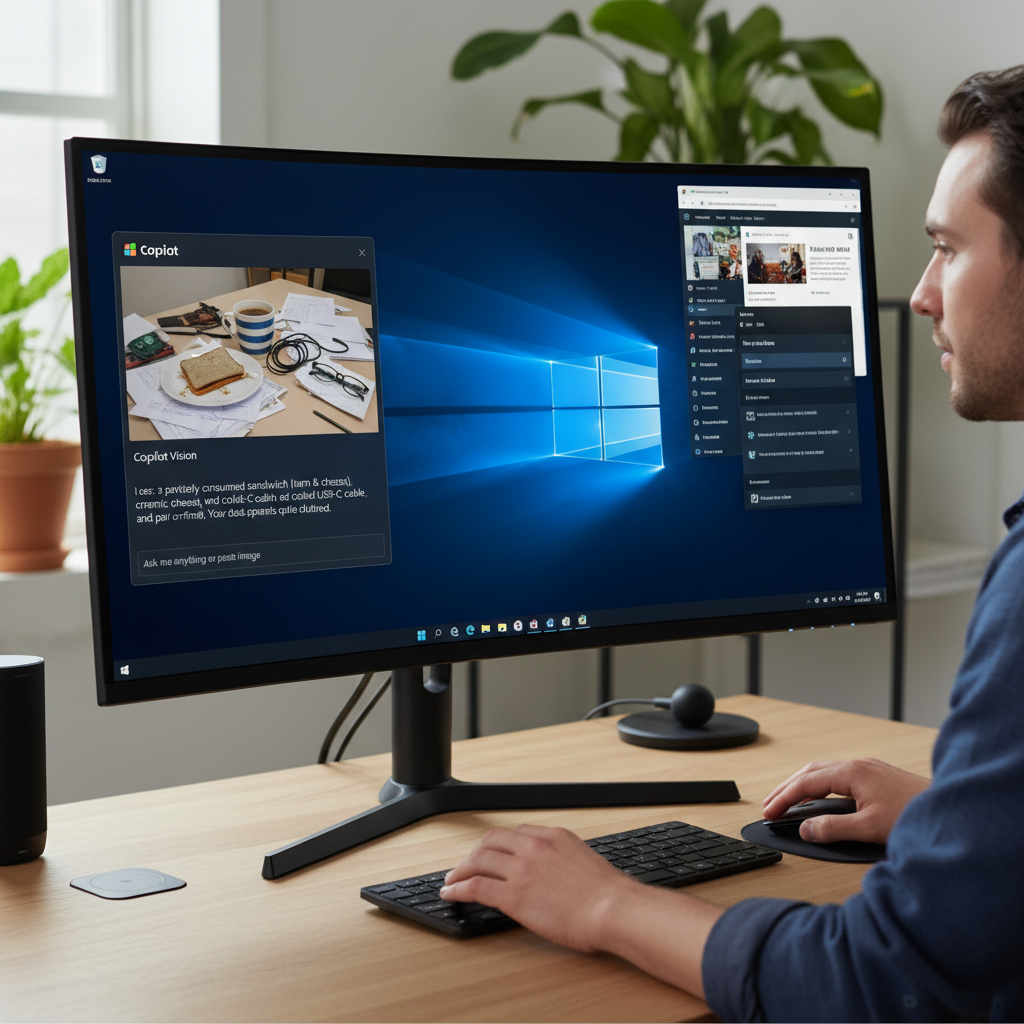
Released to Microsoft’s Windows Insider testers as a new feature enhancement, Copilot Vision sees a significant extension to its current functionality set. Copilot Vision began operations in late 2024 to analyze Microsoft Edge browser web pages and provide responses to user queries based on displayed content. The new update broadens Copilot Vision’s analysis capabilities to include any open application window displayed on a user’s desktop. Through this important update, users can now use Copilot to understand document contents and software interfaces and also receive direct guidance about user interface operations and application functionalities.
Enhancing User Productivity Through Contextual AI Assistance
The enhanced Copilot Vision offers significant practical advantages when it achieves the required reliability and accuracy standards essential for AI tools. The system can substantially cut down or even eliminate the tedious task of online searches for tutorials, FAQs, and forums, which users face when trying to use new applications or discover advanced features in complex software like Microsoft Word and Adobe Photoshop.
The difficulties faced when moving between conceptually similar applications such as Adobe Photoshop and Affinity Photo demonstrate Copilot Vision’s importance as a potential solution. The notable differences between applications regarding workflows and user interfaces demand significant time investments from users and generate frustration as they learn to navigate these systems. According to its theoretical design, Copilot Vision delivers a direct and efficient solution through its provision of contextual help and explanations within the application environment. Users can bypass the need to minimize their app and search the web by simply asking Copilot Vision questions about specific functions or interface elements to obtain direct and relevant information immediately.
This feature can substantially simplify the learning curve for new software while boosting user efficiency when mastering complex applications and leading to smoother and less frustrating computing experiences.
Navigating Privacy Considerations and Insider Program Requirements
Users must actively share their application window visuals and displayed data with Copilot Vision to access its new capabilities. Users must understand that sharing extends to both the static visual interface elements and any dynamic content currently visible within the application window. Copilot Vision depends on cloud-based analysis, which means that even if the newer Copilot+ PCs come with local AI capabilities, this system requires information to be sent to Microsoft’s remote servers for processing and response generation.
Microsoft has already communicated how it deals with the intrinsic privacy concerns stemming from the handling of sensitive application data through Copilot Vision before its launch. The company confirms that “all data about what you say and the context you share with Copilot is deleted” when a specific Vision session ends. Microsoft retains the output created by Copilot during these sessions to enhance its safety systems.
All data collected and stored via this procedure falls under Microsoft’s complete Privacy Statement, which users should examine closely to understand how their information is treated. Users must enroll in the Windows Insider program to access these new innovative Copilot features. Users must have an active Microsoft account to join this program, and they must choose to send Microsoft more detailed diagnostic data from their personal computers. Microsoft uses the extra data sharing to track pre-release software performance closely and collect user feedback, which directs their software development and improvement projects.
The new Copilot update brings enhanced Vision capabilities together with upgraded file searching features that allow users to preview and view specific file contents directly from the Copilot window, which helps streamline workflows by eliminating the need to launch different applications.